Creative coding with Scratch
Scratch
Drag-and-drop blocks let younger and first-time coders build without typing. Characters move, stories respond and games keep score.
- An animated story
- An arcade-style game
- A quiz that keeps score

Give your child a head start in technology, with live weekend classes online or in person in Asaba or Awka.
Questions first? Chat with us on WhatsApp
Learning to code opens the world of technology to your child — not only as a user, but as a creator. The apps, games and websites children use every day were built by people who learned to code, and many of them started young.
Our weekend classes turn that curiosity into real skills. In each class your child builds something — a game, an animation, an app or a web page — and learns the thinking behind it: breaking problems down, testing ideas and fixing mistakes.
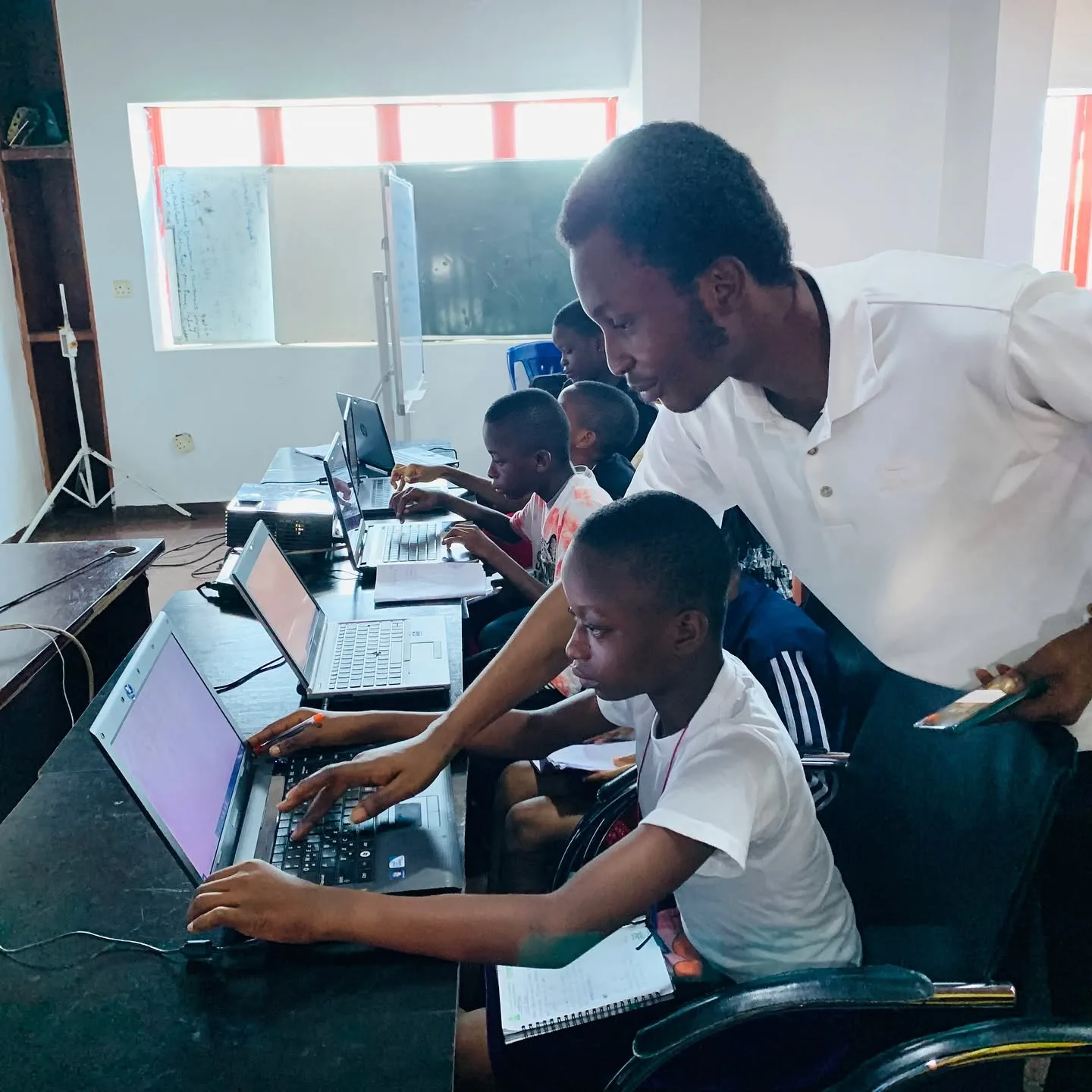
Our weekend classes run for 9 weeks, on Saturdays only, so coding fits around school instead of competing with it. Each class runs for 2 hours, and your child joins live — online from anywhere in Nigeria, or in person in Asaba or Awka — with an instructor guiding every step.
Upcoming batches: 10 October – 5 December 2026

Real MejorTech Academy classes, learners and families.
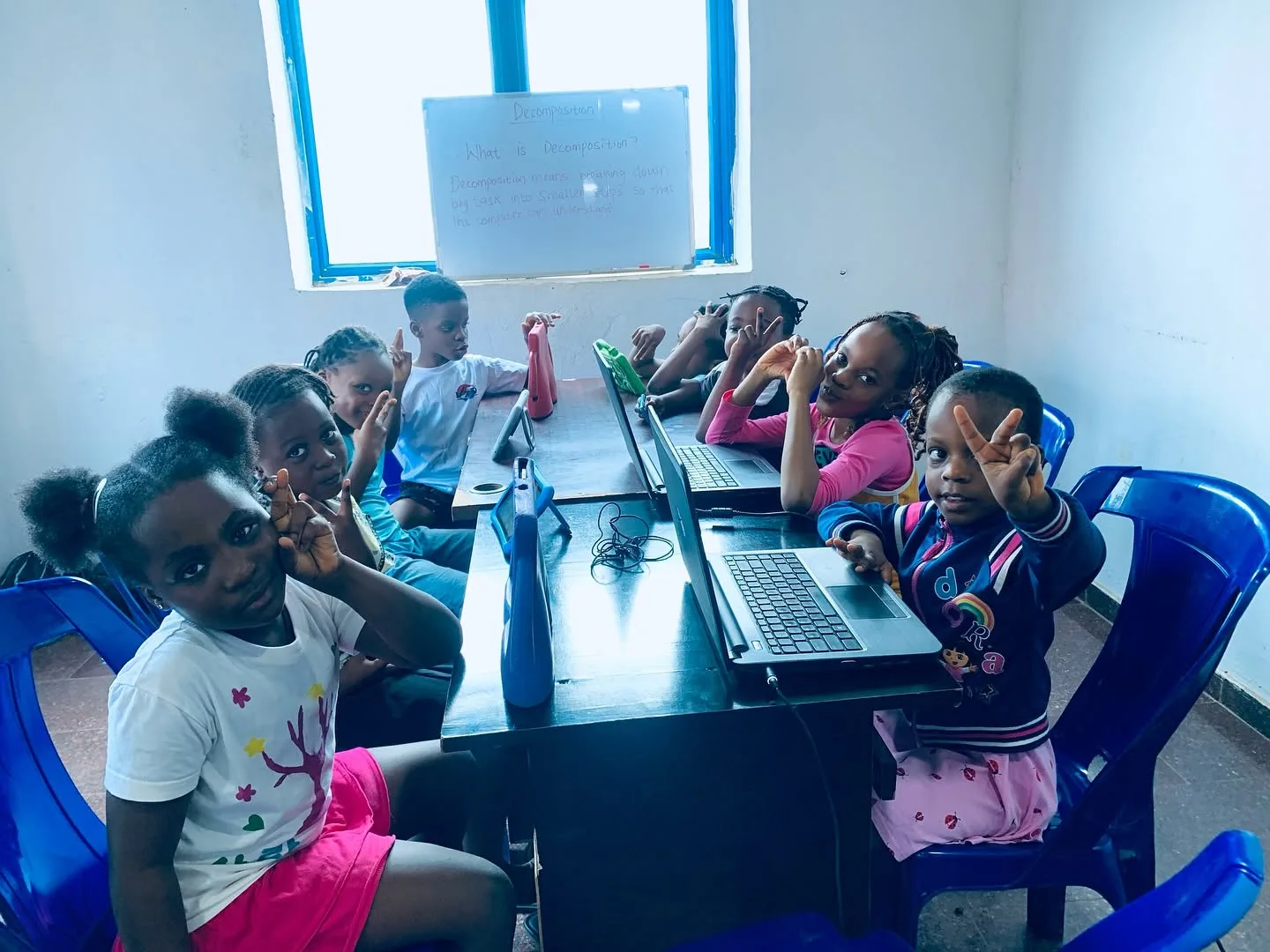
We recommend a track after asking about your child’s age and experience.
Scratch
Drag-and-drop blocks let younger and first-time coders build without typing. Characters move, stories respond and games keep score.
AI tools · no-code automation
Learners find out how AI works, then put it to use: a helpful chatbot, a tool that sorts messages, a routine that saves time. They also learn to check what AI gets wrong.
Python
Variables, loops and functions become games, tools and small programs. The language professionals use, taught step by step.
HTML · CSS · JavaScript
Learners build web pages that work on a phone, then bring them to life with JavaScript.
To join the online class, your child will need the following.
Learning in person? Classes take place in Asaba (Delta State) and Awka (Anambra State); we confirm the venue when you enrol. Ask whether a device is provided or your child should bring a laptop. Headphones help with audio and video projects.
Register below, then pay online with Paystack, or by bank transfer. The sibling price applies automatically when you register more than one child.
Let your child sit in on a free online demo class with an instructor. No payment, no obligation — register afterwards only if they love it.
It takes about two minutes. Then pay online to secure your child’s place.
Here are the questions parents ask us most often.
Ask about the current group. Where joining mid-term is possible, we recommend a starting point so your child can follow along.
Coding, or programming, is writing instructions a computer can follow. Those instructions become the games, apps and websites people use every day.
Beginners usually start with Scratch, a visual, block-based language. Learners then move on to AI and automation with age-appropriate tools, and to typed languages such as Python, and HTML, CSS and JavaScript. We recommend a track based on age and experience.
Coding practises breaking a problem into steps, logical thinking, patience and checking work — habits that support maths, science and writing as well as computing.
Depending on the track: animations and games, chatbots and simple automations, Python programs and web pages. Learners finish projects they can show and explain.
Children who can read simple instructions can usually start with visual coding. Tell us your child’s age and we will recommend a starting track.
School ICT lessons often focus on using software such as word processors. Coding classes teach learners to create software of their own.
Coding is the foundation: a robot does nothing without code. Many learners start with coding and add robotics later, when building and sensors make the code come alive.
For most young beginners, a visual language such as Scratch. Older learners, or those with some experience, can start with Python or web development.
Returning learners move on to intermediate projects or a new track, so they keep building rather than repeating what they already know.
Fill in the registration form on this page. Then pay online with Paystack, or by bank transfer and send proof of payment on WhatsApp. We confirm your child’s place and send the joining details before the first class.
A better system. A new product. A new skill. Let’s find your next step.